How to Store a GEDCOM File Securely
Learn how to store a GEDCOM file securely, protect your family tree data, and choose safe backup and encryption options.
If you’ve worked with family trees before, you’ve probably come across the term GEDCOM file.
It’s the standard format for storing and transferring genealogy data, but what many people don’t realize is this:
A GEDCOM file can contain highly sensitive personal information.
Names, birthdates, relationships, and sometimes even notes or sources, all in one file.
That’s why storing it securely is essential.
What is a GEDCOM File? #
A GEDCOM (Genealogical Data Communication) file is a structured text file used to store family tree data.
It typically includes:
- Names and relationships
- Birth and death dates
- Locations
- Notes and sources
GEDCOM files are widely supported, which makes them useful for:
- Backups
- Transferring data between platforms
- Sharing family trees with others
But this portability also makes them easy to copy, share, or expose unintentionally.
Risks of Storing GEDCOM Online #
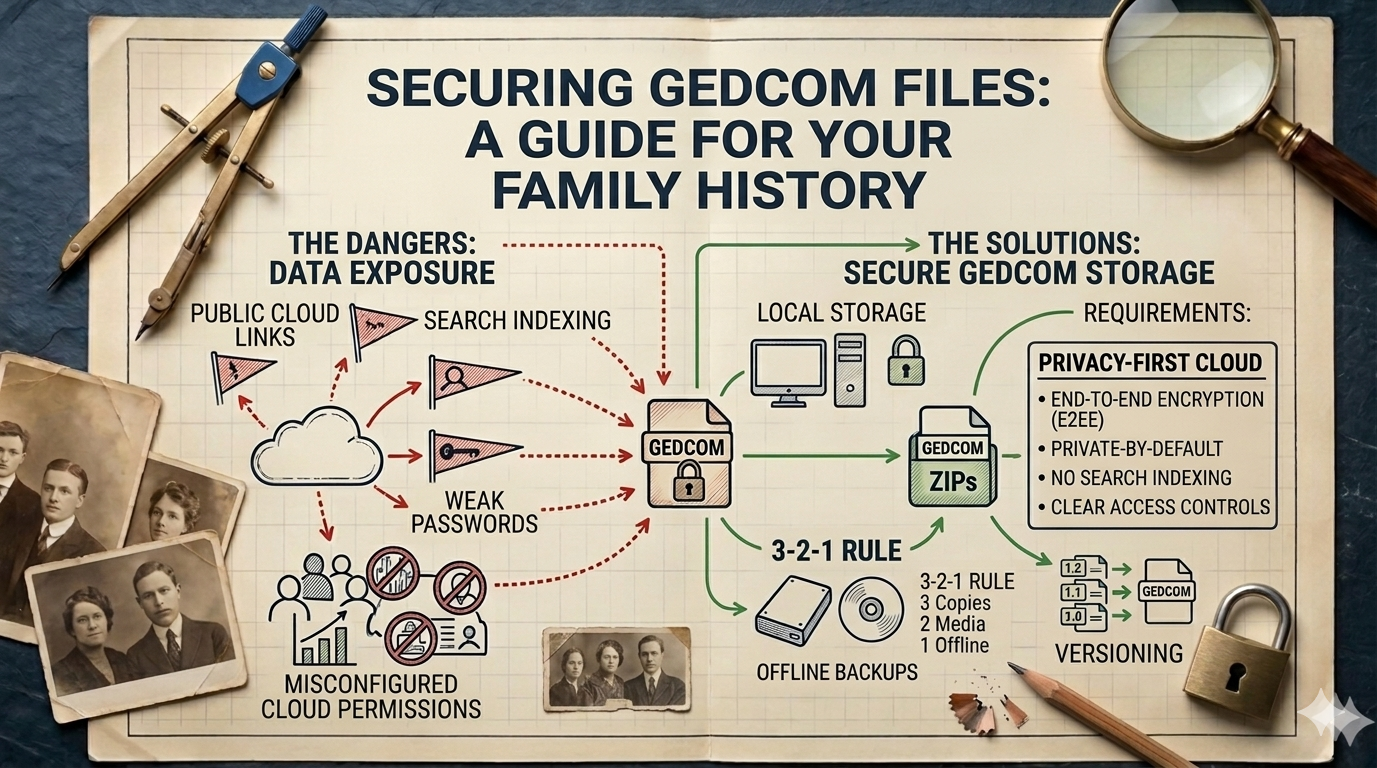
Uploading your GEDCOM file to the wrong place can create serious privacy risks.
Public hosting #
If your file is stored on a public website or shared link:
- anyone with the link can access it
- it may be indexed by search engines
- data can spread beyond your control
Cloud storage vulnerabilities #
Even private cloud storage can have risks:
- weak passwords
- accidental link sharing
- misconfigured permissions
If your GEDCOM includes living relatives, these risks become even more important to manage.
To understand how visibility affects your data, see:
👉 Is Your Family Tree Public?
Encryption & Local Storage #
One of the safest ways to protect your GEDCOM file is through encryption and controlled storage.
Encryption #
- Use password-protected archives (e.g. ZIP with AES encryption)
- Choose strong, unique passwords
- Avoid sending unencrypted files via email
Local storage #
- Store files on your personal device or external drive
- Keep backups offline
- Limit access to trusted individuals only
This approach minimizes exposure and keeps your data under your direct control.
Choosing Secure Cloud Options #
Sometimes you need the flexibility of cloud storage—but not all options are equally safe.
Look for platforms that offer:
- End-to-end encryption
- Private-by-default storage
- No public file indexing
- Clear access controls
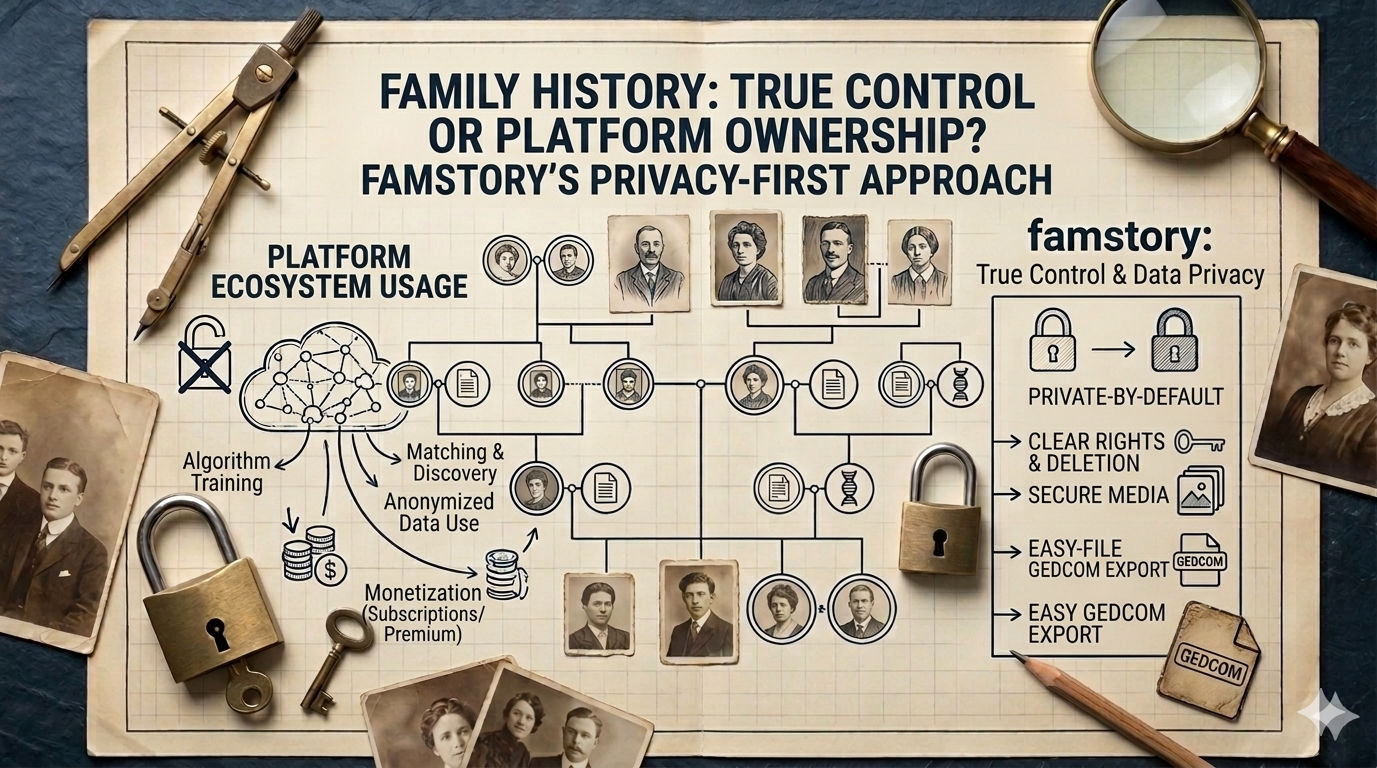
Privacy-focused tools like famstory are designed to give you the convenience of online access while keeping your data secure and private.
If you're also thinking about ownership and control, it’s worth reading:
👉 Who Owns Your Family Tree Data?
And for practical privacy tips:
👉 How to Keep Your Family Tree Private Online
Long-Term Preservation #
Genealogy is a long-term project, so your storage strategy should reflect that.
Versioning #
- Keep multiple versions of your GEDCOM over time
- Track changes and updates
Backups #
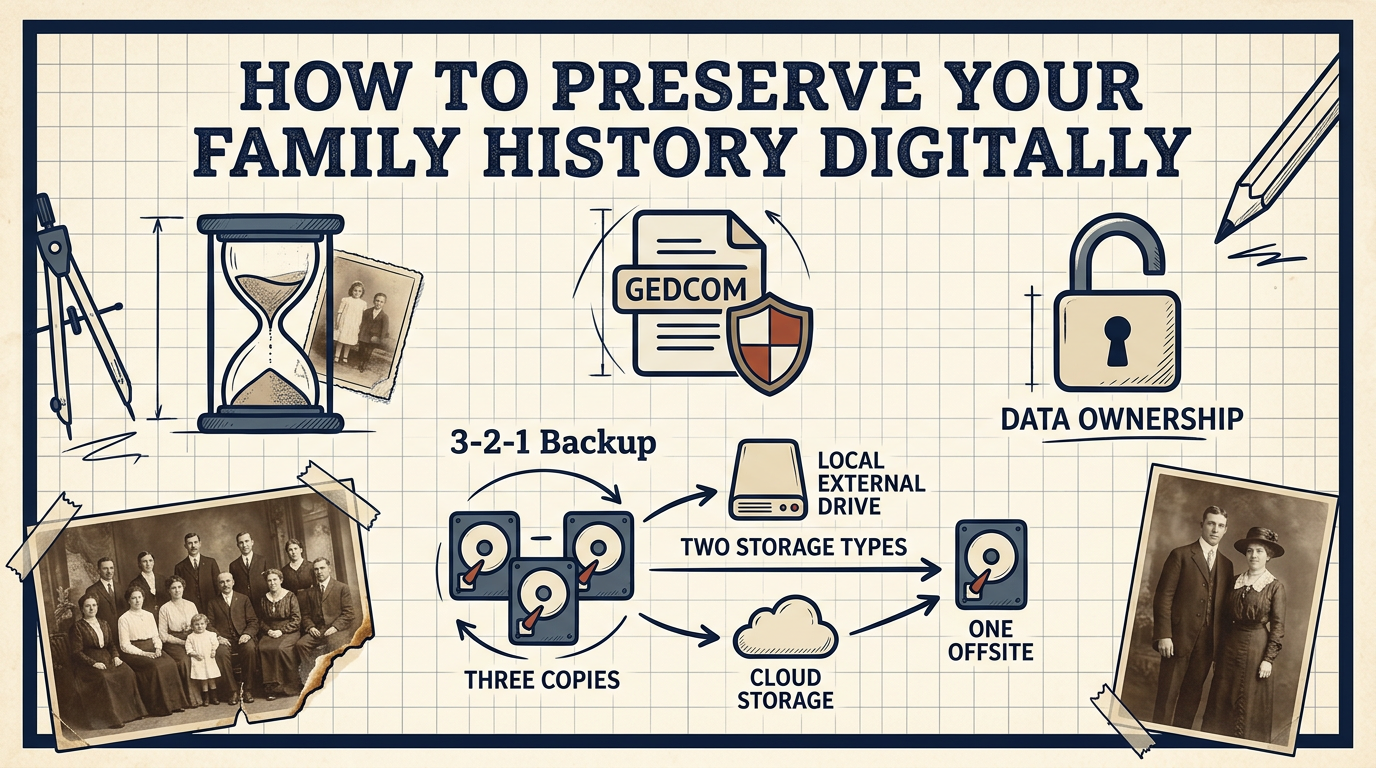
- Use the 3-2-1 rule:
- 3 copies
- 2 different storage types
- 1 offsite backup
Disaster recovery #
- Plan for hardware failure or data loss
- Test your backups regularly
The goal is not just to protect your data today—but to preserve it for future generations.
Conclusion #
GEDCOM files are incredibly useful—but they also come with responsibility.
Because they contain detailed family information, storing them securely is essential.
By combining:
- encryption
- careful sharing
- secure storage
- reliable backups
…you can protect your family history while keeping full control over your data.
FAQ #
Is GEDCOM safe to upload? #
It depends on where you upload it. Public or poorly secured platforms can expose your data. Always use trusted, private services.
How do I encrypt a GEDCOM file? #
You can use tools like password-protected ZIP archives with AES encryption or dedicated encryption software to secure your file.
Can I share GEDCOM with relatives safely? #
Yes, but only through secure methods—such as encrypted files or trusted platforms with controlled access.