Is Your Family Tree Public? What You Should Know
Find out if your family tree is public, who can see it, and how to keep your genealogy data private and secure online.
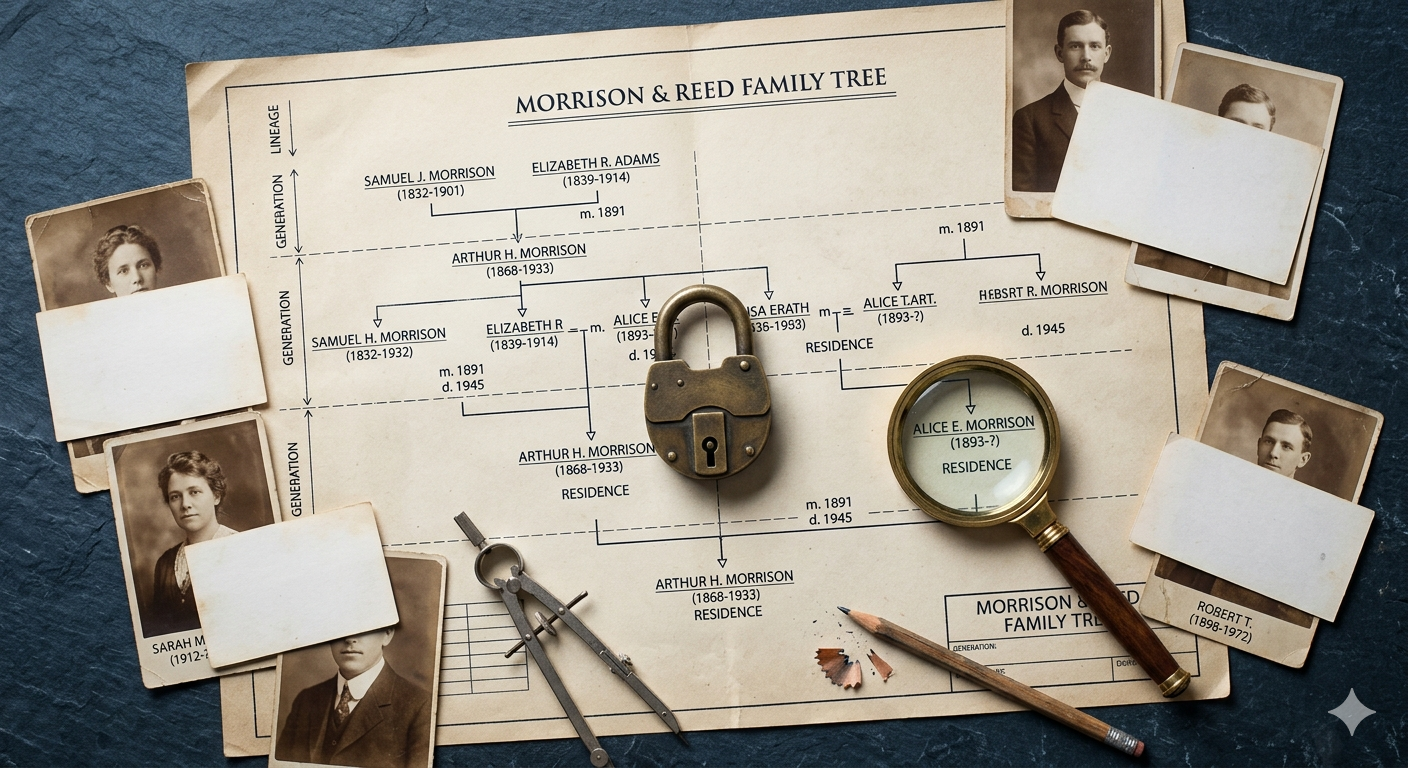
Most people assume their family tree is private.
You sign up, add a few relatives, maybe upload some old photos—and it feels like a personal space. Something just for you and your family.
But here’s the uncomfortable truth:
In many cases, your family tree is more public than you think.
Depending on the platform you use, parts of your data might be visible to others, indexed by search engines, or accessible in ways that aren’t immediately obvious.
If you care about privacy—especially when it comes to living relatives—this is something you need to understand. For a privacy-first setup, it helps to compare how different tools handle visibility; see private family tree software for what that can look like in practice.
Are Family Trees Public by Default? #
It depends on the platform—but in many cases, yes, at least partially.
Most family tree services operate on one of these models:
1. Public-by-default trees #
Some platforms encourage sharing and collaboration. Your tree (or parts of it) may be visible to other users unless you actively change the settings.
2. Private but searchable #
Your tree might be marked as “private,” but still:
- your name or structure may appear in search results
- other users can discover your tree and request access
3. Fully private trees #
Less common. These platforms keep your data completely hidden unless you explicitly invite someone.
The tricky part is this:
“Private” doesn’t always mean invisible.
And most people never double-check what that actually means.
Can Other People See My Family Tree? #
In many cases: yes, at least partially.
Here’s how your data can become visible:
Visibility settings #
Most platforms allow you to toggle between public and private—but:
- settings can be confusing
- defaults may favor visibility
- changes aren’t always obvious
Search engine indexing #
Some public trees (or parts of them) can be indexed by Google.
That means someone searching a name could land on your family data.
Other users on the platform #
Even if your tree is “private,” other users might:
- find overlapping relatives
- see limited data
- send access requests
Screenshots & sharing #
Once information is visible—even briefly—it can be:
- copied
- screenshotted
- shared outside your control
That’s the part most people underestimate.
Is Ancestry Public or Private? #
Ancestry allows both public and private family trees.
- You can set your tree to private
- Living people are typically hidden by default
- Public trees are visible and searchable
Even with private trees:
- other users may discover your tree exists
- hints and matches can reveal connections
So while Ancestry gives you control, you need to actively manage your settings to stay private.
Is MyHeritage Public? #
MyHeritage also offers both private and public family trees.
- Private trees restrict access to invited members
- Public trees can be viewed by others and sometimes indexed
However:
- discovery features may expose connections
- collaboration features can blur privacy boundaries
Again, the key point is:
Privacy is possible—but not always the default.
If you’re weighing alternatives, our MyHeritage privacy alternative page summarizes how a private-by-design tool differs.
Why Privacy Matters for Family History #
Family trees aren’t just names and dates.
They often include:
- birth dates
- locations
- relationships
- photos
- personal stories
For living relatives, this can become sensitive very quickly.
Privacy matters because:
1. You’re handling other people’s data #
Not everyone in your family wants to be online.
2. Data can spread beyond your control #
Once something is visible, it can be copied or shared.
3. Long-term risks are hard to predict #
Family data doesn’t expire. What seems harmless today might not be in the future.
4. Platforms may use your data #
Another factor many people overlook is how platforms use data behind the scenes.
Some genealogy services rely on user data to improve matching systems, build networks, or support their business models.
This doesn’t necessarily mean your data is “sold” directly—but it does mean you may be giving up more control than you expect. Stronger technical isolation is one reason people look at end-to-end encrypted family tree options.
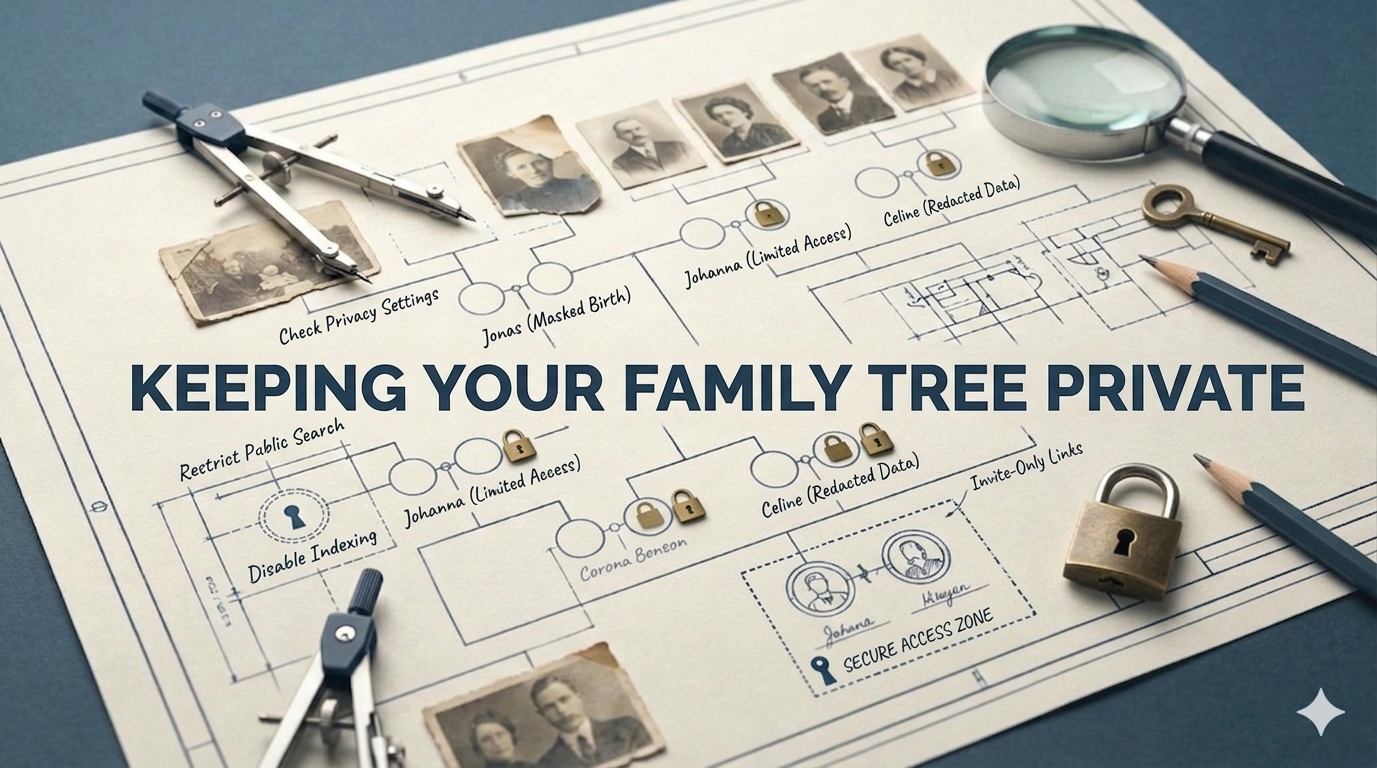
How to Make Your Family Tree Private #
If you’re already using a platform, here’s what you can do:
1. Check your privacy settings carefully #
- Is your tree public or private?
- Are living people hidden?
- Is indexing enabled?
2. Limit visibility #
- Only share your tree with trusted people
- Avoid public links
3. Reduce sensitive data #
- Limit details about living relatives
- Avoid uploading sensitive documents
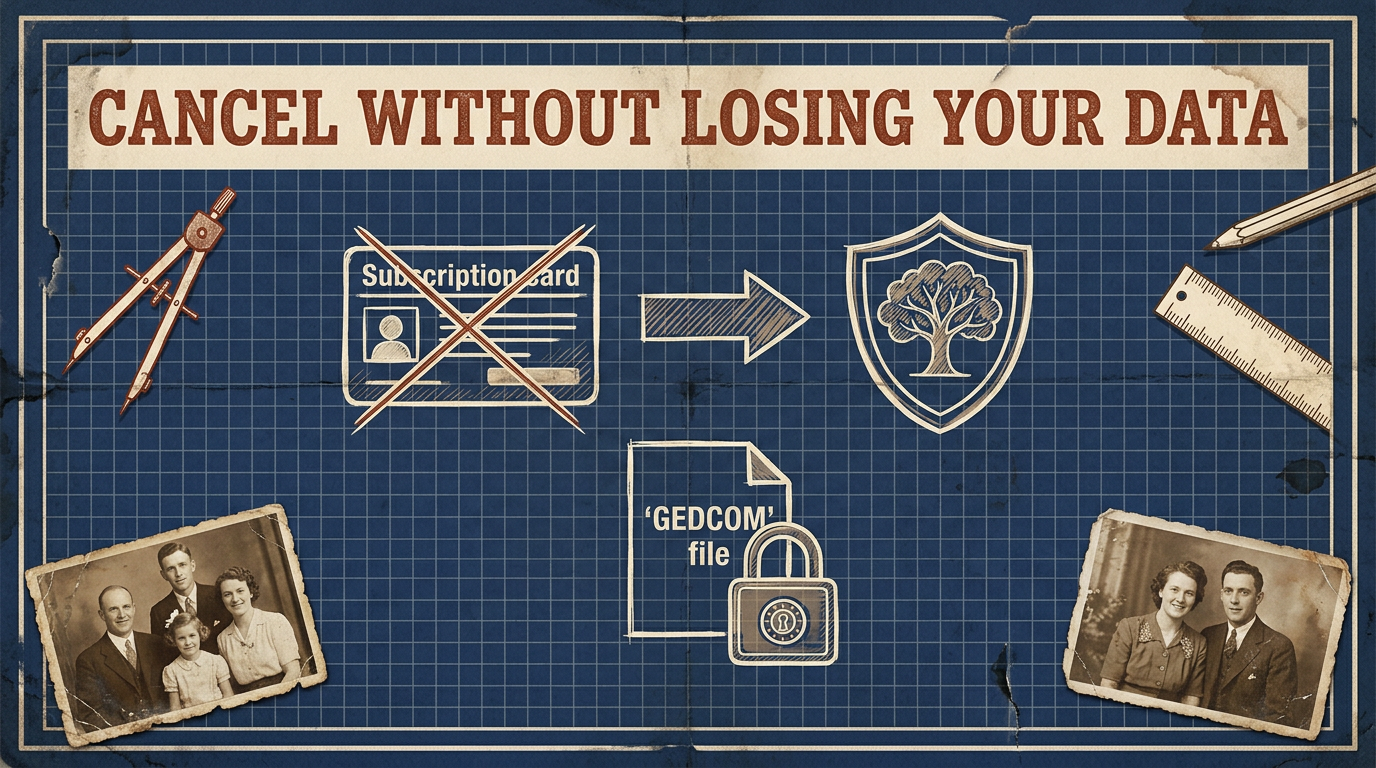
4. Understand data ownership #
- Can you export your data?
- What happens if you delete your account?
If you already have a GEDCOM elsewhere, our free GEDCOM viewer can help you review what you’re carrying over before you upload or share anything.
The Safest Way to Store Your Family Tree Online #
If privacy is your top priority, the safest approach is simple:
- Use a platform designed for privacy first
- Keep full control over who can access your data
- Avoid public indexing entirely
- Make sure you can export your data anytime
That’s exactly the idea behind famstory.
Instead of treating your family tree like a social network, it gives you a private, secure space to store your family history—just for you and the people you trust.
No public profiles.
No unexpected visibility.
Just your family data, under your control.
Conclusion #
Most people don’t think about privacy when they start building their family tree—but they should. Once your data is out there, it’s hard to take back. Taking a few minutes to understand visibility and choosing the right platform makes a long-term difference.
If you want a single private place for your research, famstory keeps your tree private with no social sharing. Learn more about creating a family tree online or preserving your family history securely.
Ready to begin? Start your family tree with famstory today!
FAQ #
Are family trees public by default? #
Not always, but many platforms make parts of your tree visible unless you change the settings. Always check your privacy configuration.
Can strangers see my family tree? #
Yes, depending on your settings. Public trees can be viewed by others, and even private trees may expose limited information.
How do I make my family tree private? #
Go to your platform’s privacy settings, switch your tree to private, hide living people, and disable search engine indexing if possible.