How to Keep Your Family Tree Private Online
Learn how to keep your family tree private online, protect sensitive data, and control who can access your genealogy information.
Building a family tree can be exciting—you uncover stories, photos, and connections that bring your family history to life.
But have you ever wondered who can see your family tree online? Many people assume their tree is private by default, only to discover that some or all of their data is visible to strangers, search engines, or even other platform users.
In this guide, we'll walk you through the steps to keep your family tree private, protect sensitive information, and maintain control over your genealogy data.
Why Privacy Matters #
Family trees often contain sensitive information:
- Birthdates and locations
- Names of living relatives
- Photos and personal stories
If this data is exposed, it can lead to unintended privacy risks, from unwanted attention to accidental sharing.
Taking control of your tree’s privacy not only protects your family, it also gives you peace of mind when storing and sharing your family history.
Checking Your Privacy Settings #
The first step is to review the privacy settings on your platform:
- Is your tree set to public or private?
- Are living relatives hidden by default?
- Is your tree indexed by search engines?
Many platforms have confusing defaults that favor visibility, so it’s important to double-check every option.
For a detailed comparison of privacy-first platforms, see Is Your Family Tree Public?.
Limiting Visibility #
Once you understand the default settings, you can control who sees your tree:
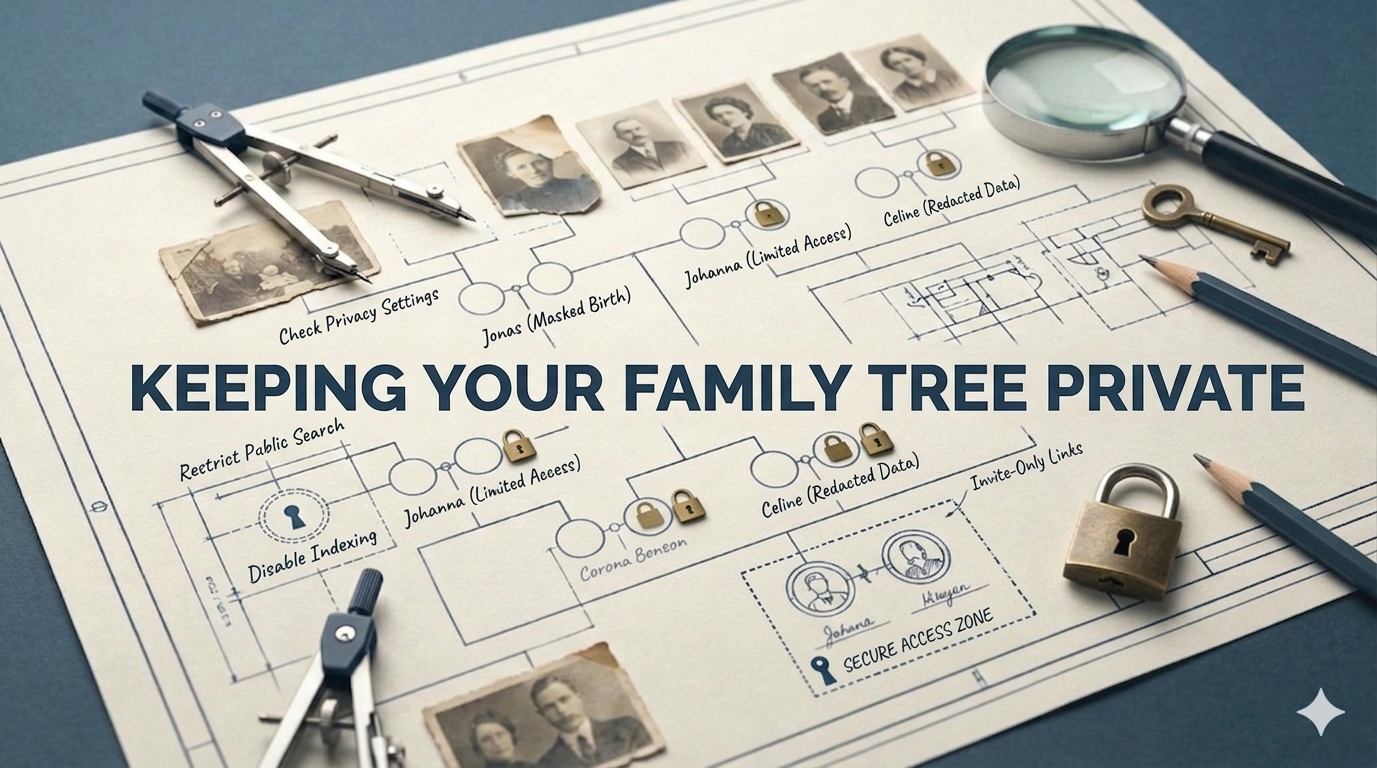
- Invite-only access: Only people you trust can view your tree
- Private links: Share data selectively without making the tree public
- Disable search indexing: Prevent Google and other search engines from listing your tree
Even small tweaks can make a huge difference in keeping your family history private.
Reducing Sensitive Data #
Sometimes it’s not enough to change settings. You may need to remove or limit sensitive information:
- Avoid including full birthdates for living relatives
- Skip uploading sensitive documents or photos without permission
- Consider anonymizing some details for distant family members
These steps reduce the risk of accidental exposure while still preserving historical data.
Exporting & Backup #
Backing up your tree is essential, but it should be done securely:
- Export your tree in GEDCOM or CSV format
- Store backups offline or in an encrypted drive
- Review the exported data before sharing with anyone
If you want to quickly check what your GEDCOM contains, try our free GEDCOM viewer.
Choosing a Privacy-First Platform #
Not all platforms are equal when it comes to privacy. A privacy-first solution gives you:
- Full control over who can access your data
- End-to-end encryption and secure storage
- The ability to export and delete your data anytime
Platforms like famstory are designed for people who want security without compromising usability. Learn more about private family tree software here.
Conclusion #
Keeping your family tree private doesn’t have to be complicated. By:
- Reviewing your privacy settings
- Limiting visibility
- Reducing sensitive information
- Choosing a privacy-first platform
…you can ensure your genealogy research stays secure.
For a single secure location to store your family history, famstory offers a private, easy-to-use solution. Start your tree safely and confidently: Create Your Family Tree Online. Learn more about preserving your family history securely.
Ready to begin? Start your family tree with famstory today!
FAQ #
Can anyone see my private family tree? #
If your tree is set to private and you control access, only invited users can see it. Public trees or indexed trees may still be discoverable.
How do I hide living relatives? #
Most platforms allow you to mark living people as hidden. Always double-check these settings and update them whenever you add new family members.
Can I share only parts of my family tree? #
Yes. Many platforms allow selective sharing, either by using private links or inviting specific people to view certain branches.