Cancel Ancestry or MyHeritage Without Losing Your Data
Cancelling a subscription and deleting an account are not the same thing. Here's how to stop paying for Ancestry or MyHeritage without losing your family tree.
You want to stop paying. That's it. You're not trying to erase years of research — you just don't want the subscription renewing every month.
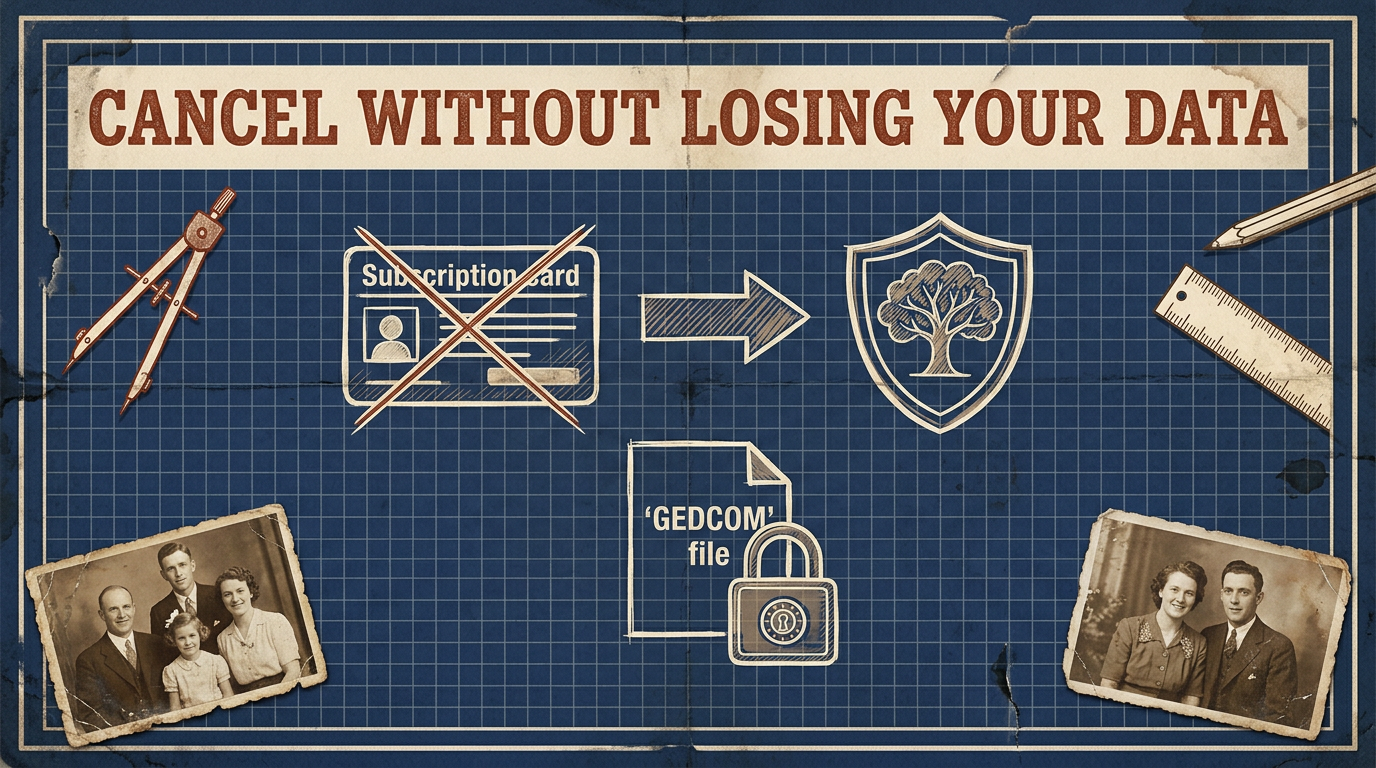
But somewhere between "manage my plan" and "close my account" is a button that does something very different, and the two get confused constantly. Cancelling your subscription and deleting your account are not the same thing — and mixing them up is how people lose their family tree by accident.
Here's the difference, in plain terms, and the safe order to do things.
Cancel ≠ Delete #
This is the whole post, so it's worth saying slowly.
Cancelling your subscription stops the payments. Your account stays. On both Ancestry and MyHeritage this usually drops you to a free or basic tier — you keep your tree, but you lose the paid features: historical records, hints, DNA matches, and similar extras that only work while you're paying.
Deleting your account is the other thing entirely. It removes the account and, in many cases, everything attached to it — your trees, your uploaded photos, your DNA data, the whole family site. On MyHeritage in particular, deleting the account is designed to be permanent and irreversible. There's no "undo" a week later.
So if your goal is "stop the charges," you want cancel, not delete. And even if your goal really is to delete everything, you still want to get your data out first — which brings us to the order.
The Only Safe Order #
Do these in sequence. Never skip ahead.
- Export your tree as a GEDCOM file. This is your research in an open format you can keep forever. We walked through it step by step in How to Export Your Family Tree From Ancestry — the same idea applies on MyHeritage (Family tree → Manage trees → Export to GEDCOM).
- Download your media separately. GEDCOM carries names, dates, places, and sources — but not your photos or document scans. Save those by hand before you touch anything else. This is the step most people forget until it's too late.
- Confirm the backup actually worked. Open the file and check it before you trust it. A GEDCOM viewer lets you see that everyone came across cleanly.
- Then, and only then, cancel or delete.
The reason the order is non-negotiable: once you cancel a paid plan, some things you relied on may stop working, and once you delete an account, your data is likely gone for good. You never want the platform to be your only copy at the moment you're leaving it.
What You Lose, and What You Keep #
Being honest about this matters more than any reassurance.
When a paid subscription ends, the research you did stays — your tree structure, the people, the notes you wrote. What goes away are the things that were always the platform's, not yours: access to their historical record collections, ongoing hint suggestions, and DNA match lists. If you go back later, those features come back with a new subscription. Your own tree was never the thing you were renting.
Policies shift, so treat the specifics as "check before you click." Menus get renamed, tiers get reshuffled, and what's free today may not be next year. The safe assumption is always the cautious one: read exactly what a button says will happen before you press it, and if it mentions removing trees, photos, or DNA data permanently, stop and make sure your export is already done.
Why This Keeps Happening #
The confusion isn't an accident of wording — it's a symptom of something deeper. When your family history lives entirely inside one company's account, leaving and losing start to look like the same action. The exit and the delete key sit right next to each other.
That's really a question of ownership, and we dug into it in Who Owns Your Family Tree Data? The moment you hold your own GEDCOM and your own media files, the pressure disappears. Cancelling becomes a billing decision, not an existential one. You can walk away calmly because you already have everything that matters.
It's also worth thinking one step further ahead — a tree that only exists inside an account you might one day close is fragile in a way that outlives you, which is the whole point of planning your family tree's digital legacy.
Leave on Your Terms #
Cancelling a genealogy subscription shouldn't feel risky. It only feels that way when the platform holds the only copy.
Export first. Save your photos. Check the file. Then cancel — or delete — with nothing to lose, because your family history is already sitting safely in a format nobody can revoke.
That's the whole idea behind famstory: a private, end-to-end encrypted home for your family tree, built on open formats you can export any time. No lock-in, no social sharing — your history stays yours, whether you stay or go.
FAQ #
Does cancelling my Ancestry or MyHeritage subscription delete my family tree? #
No. Cancelling a subscription stops the payments and usually drops you to a free or basic tier, but your tree stays. Deleting your account is the separate action that can remove your tree, photos, and DNA data — often permanently.
Can I get my data back after I delete my account? #
Assume no. Account deletion on platforms like MyHeritage is designed to be permanent and irreversible. Always export a GEDCOM and download your photos before deleting anything.
What do I lose when I cancel a paid plan? #
The paid extras — historical records, hints, and DNA matches — stop working when the paid period ends. The tree you built stays. If you resubscribe later, those features return.
Should I cancel or delete if I just want to stop paying? #
Cancel. Deleting the account removes your data too. Cancelling simply ends the billing while keeping your tree on the free tier.