How to Export Your Family Tree From Ancestry
A step-by-step guide to exporting your Ancestry family tree as a GEDCOM file — plus the one thing GEDCOM leaves behind that most guides don't mention.
You've spent years building your tree on Ancestry. Hundreds of people, dates, places, sources. Then one day you wonder: if I ever wanted to leave, could I take it with me?
The answer is yes. Ancestry lets you download your whole tree as a GEDCOM file, and you don't even need a paid membership to do it. But there's one catch most guides skip, and it matters.
Here's how to export your tree properly — and what actually comes with you.
The Steps #
Exporting is quick once you know where the button is hiding.
- From any page on Ancestry, click the Trees tab and open the tree you want to export.
- In the toolbar on the left, click More (the three dots) and choose Tree Settings.
- On the right side of the Tree Settings page, under Manage your tree, click Export tree.
- Click Export. The button will spin and say Generating a GEDCOM file. Give it a moment.
- When it stops, click Download Your GEDCOM File.
Your download arrives as a ZIP file — unzip it and the .ged file is inside. That's your tree.
Two things worth knowing before you start: only the owner of a tree can export it. If a tree was shared with you but you don't own it, you won't see the export option. And as noted, no membership is required to download your own tree — the export button works even on a free account.
The Catch: GEDCOM Doesn't Take Your Photos #
This is the part that surprises people.
A GEDCOM file is text only. It holds the facts and the structure of your tree — names, dates, places, relationships, notes, and source citations. What it does not include is your media: the scanned birth certificates, the old family photos, the document images you uploaded over the years.
Trees exported from Ancestry after November 2022 do record where each media file lives on Ancestry, but that's a reference, not the file itself. If your Ancestry account ever closes, those references point to nothing.
So the honest version of "export your tree" is two jobs, not one:
- The GEDCOM carries your research — the people and the connections.
- Your media has to be saved separately. Download the photos and document scans that matter to you directly from the tree before you rely on the GEDCOM alone.
Skip the second job and you'll have a perfect skeleton with none of the pictures.
Why Bother If You're Not Leaving? #
Most people export because they're switching platforms. But there's a quieter reason to do it even if you're staying: an export is a backup, and a backup is control.
Your tree lives on someone else's servers under someone else's terms. Companies get sold, merge, change pricing, or shut features down — the point we made in Who Owns Your Family Tree Data? A GEDCOM you saved yourself doesn't depend on any of that. It's the one copy nobody can revoke.
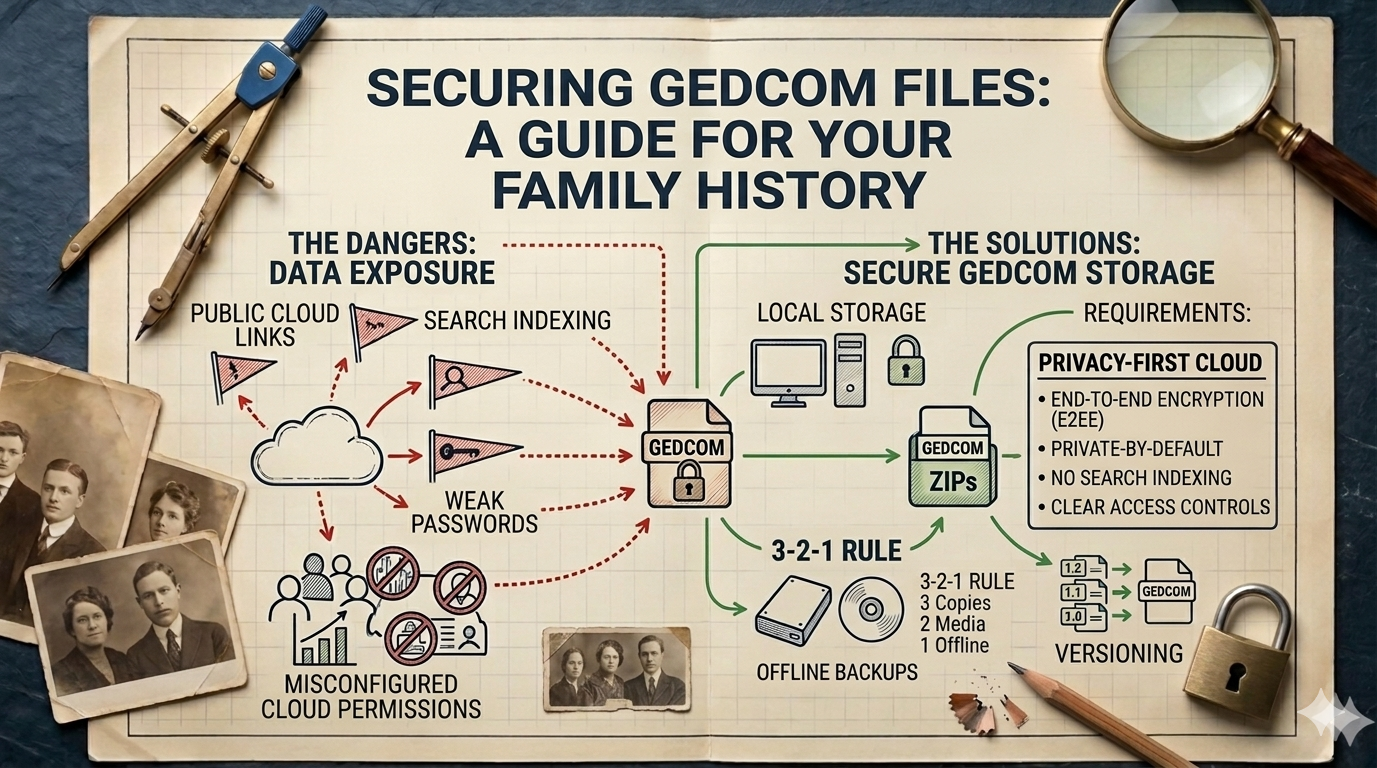
The habit that pays off is simple: export a fresh GEDCOM every so often, and store it somewhere safe. Not a public link, not an email attachment sitting in your inbox — somewhere private and, ideally, encrypted. We walked through exactly how to do that in How to Store a GEDCOM File Securely, because a file full of living relatives' names and birthdates deserves better than a shared Drive folder.
Once you have that file, you can also open and check it — a GEDCOM viewer lets you confirm everything came across before you trust the backup.
Your Research, Your Copy #
Exporting from Ancestry isn't a divorce. It's just good sense. A tree you can only see inside one company's website isn't fully yours; a tree you hold as a file you can open, back up, and move is.
Do it once and you'll understand your own data better. Do it regularly and you'll never be locked in — whatever happens to the platform.
That portability is exactly why famstory is built around open formats and data you control: your family history should live somewhere private, encrypted, and yours to take with you — not somewhere you're renting access to your own past.
FAQ #
Do I need a paid Ancestry membership to export my tree? #
No. Downloading your own tree as a GEDCOM works even on a free account. You do need to be the tree's owner, though — trees shared with you can't be exported by you.
Does the Ancestry GEDCOM include my photos and documents? #
No. GEDCOM is a text-only format that holds names, dates, places, relationships, and sources. Photos and document scans are not included and must be saved separately.
How often should I export a backup? #
Whenever you've done meaningful work — or on a simple schedule, like once a quarter. Keep the file private and encrypted, and check it in a GEDCOM viewer to confirm it exported cleanly.